
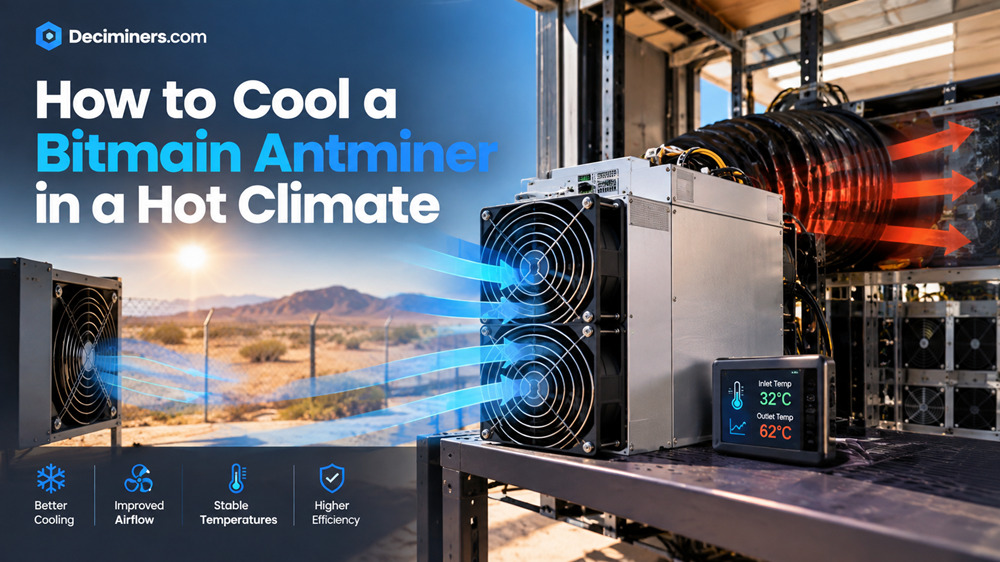
Learning how to cool a Bitmain Antminer in a hot climate isn’t optional maintenance, it’s the difference between stable, profitable mining and a miner that throttles, shuts down, or degrades early. Bitmain’s own guidance is specific: ambient temperature around the miner should stay below 35°C. In much of the world, summer regularly pushes past that, which is exactly when heat-related problems show up.
Why Heat Is the Real Threat, Not Just an Inconvenience
Every Antminer has a built-in thermal cutoff – the point at which firmware throttles the chip frequency or shuts the miner down entirely to protect the silicon. Chip temperatures are typically managed in the 70–80°C range during normal operation, and once ambient air pushes past what the fans can compensate for, that protection kicks in. The practical impact compounds: reduced hashrate from throttling, more frequent full shutdowns, accelerated fan wear from running constantly at maximum speed, and – over time shortened hardware lifespan from chips running hot for extended periods.
Start With the Basics
Control the room, not just the miner. Air cooling efficiency drops as ambient temperature rises — a fan can only move heat into air that’s already hot. If you’re in a genuinely hot climate, dedicated room-level cooling (air conditioning or a spot cooler) isn’t a luxury add-on, it’s the foundation everything else depends on.
Give it space to breathe. Poor ventilation and heat recirculation are among the most common causes of overheating that have nothing to do with the miner itself. Keep adequate clearance around intake and exhaust, and make sure hot exhaust air isn’t getting pulled back into the intake of the same unit or a neighboring one.
Clean dust monthly. Dust accumulation on the hashboard is a genuinely common, entirely preventable cause of thermal problems. A soft brush or compressed air on a monthly basis (more often in dusty environments) keeps airflow moving as designed.
Don’t mix fan speeds arbitrarily. Bitmain specifically recommends using original-spec cooling fans — high-speed fans can be swapped in for low-speed ones, but not the reverse, since underpowered fans won’t move enough air to keep up with the miner’s heat output.
Use Firmware to Your Advantage
Most current Antminer firmware supports temperature-based throttling automatically reducing clock speed as chip temperature rises, then restoring it as things cool down. Some operators also run scheduled “night mode” configurations, intentionally reducing clock speed and fan RPM during the hottest parts of the day and running harder during cooler overnight hours. This trades some daytime hashrate for meaningfully reduced thermal stress often a reasonable trade in climates with a big day-night temperature swing.
Monitor Properly, Not by Feel
Check your miner’s kernel log or API for actual per-chain temperature readings rather than judging by touch or room feel. A few things worth knowing:
- The temperature difference between hashboards on the same unit should stay within about 10°C of each other — a board running noticeably hotter than its neighbors points to a local airflow or heatsink issue on that specific board, not a room-wide problem
- Room temperature and chip temperature are not the same number, a 30°C room can still push a dusty, poorly ventilated miner’s board temperature well past safe limits
- Set alerts with margin below the actual shutdown threshold, so you have time to act while the miner is still running rather than finding out after it’s already shut itself down
When Air Cooling Isn’t Enough: Hydro and Immersion Options
If you’re in a consistently hot climate and fighting air cooling limitations year-round, it may be worth upgrading rather than continuing to compensate. As of 2026, Bitmain ships hydro-cooled versions of current-generation miners like the Antminer Z15 Pro and the S21 series, capable of holding chip temperatures consistently below 65°C even under full load – a real margin of safety that air cooling in a hot climate often can’t match. Hydro-cooled units also run noticeably quieter, which matters if you’re operating in a home or suburban setting. The tradeoff is higher upfront cost and the added maintenance of monitoring coolant levels and pump health.
For serious, larger-scale operations, immersion cooling represents the top tier of thermal management, though it’s a significant infrastructure investment rather than something to retrofit onto a single unit.
If You’ve Done All of This and Still Have Problems
Persistent overheating despite proper ventilation, clean hardware, and adequate room cooling usually points to a hardware-level issue — a failing fan, a damaged heatsink, or in some cases a faulty temperature sensor. At that point, further troubleshooting on your own risks making things worse; professional ASIC repair is the appropriate next step.
FAQ
What’s the maximum ambient temperature for a Bitmain Antminer?
Bitmain recommends keeping ambient temperature below 35°C. Beyond that, the miner’s thermal protection can trigger throttling or a full shutdown, depending on the model.
Why does my Antminer shut down in summer but not other seasons?
High ambient temperature reduces how effectively air cooling can dissipate the heat the miner generates, pushing chip temperature into the range where built-in thermal protection activates.
Is hydro cooling worth it for a hot climate?
For consistently hot environments, yes hydro-cooled miners can hold chip temperatures well below what air cooling manages in the same conditions, though at a higher upfront cost and added maintenance.
How often should I clean dust from my Antminer?
Monthly is a reasonable baseline, more frequently in dusty environments. Dust accumulation is one of the most common and most preventable causes of overheating.
For official Bitmain guidance on thermal protection, see Bitmain Support’s High Temperature Alert and Protection article.